




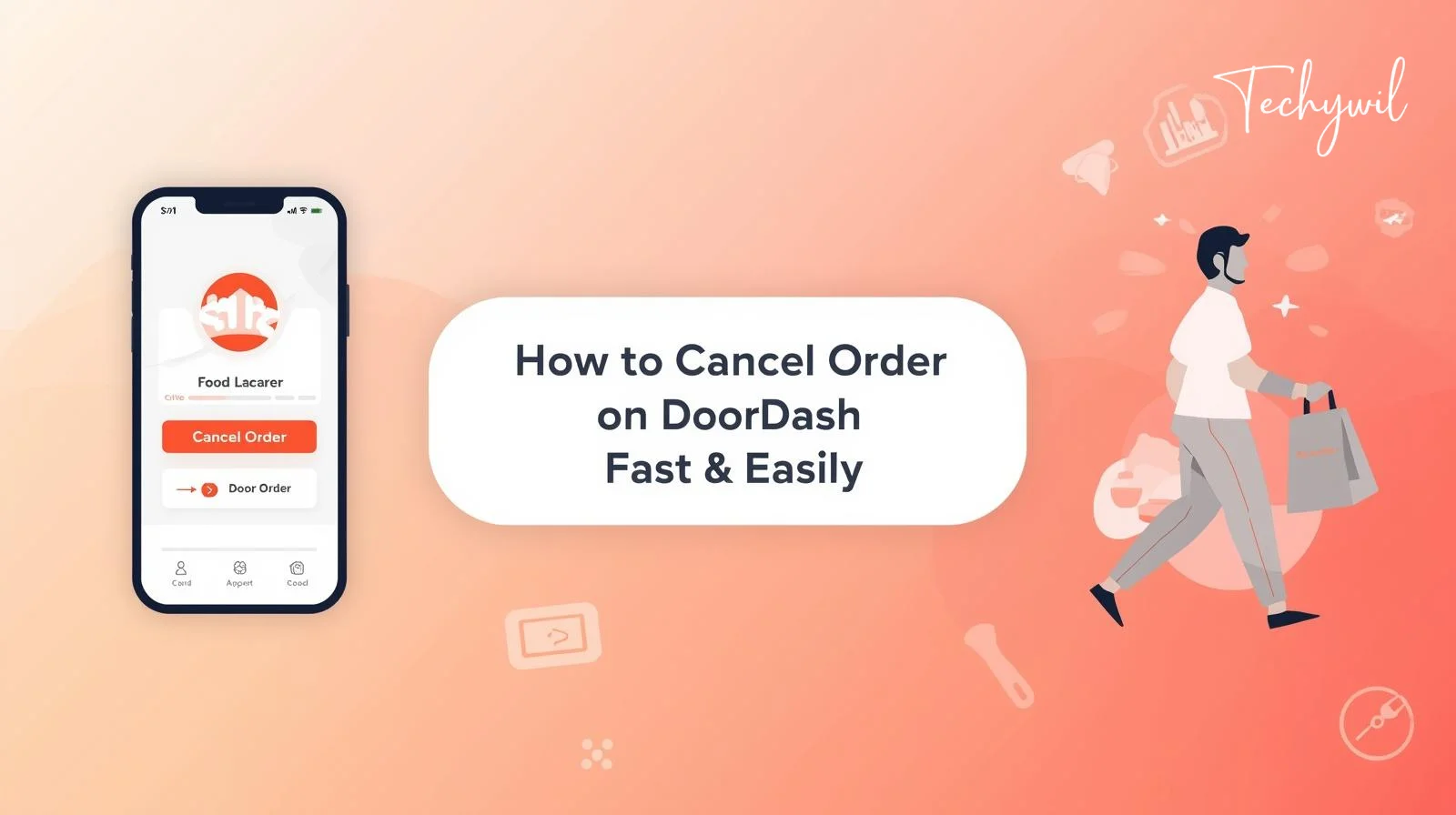
Ordering food on DoorDash is quick and convenient — but sometimes plans change. Maybe you ordered the wrong item, selected the wrong address, or simply changed your mind. Whatever the reason, knowing how to cancel order on DoorDash quickly can save you both time and money.
In this guide, I’ll walk you through the fastest way to cancel a DoorDash order, explain refund rules, and share pro tips to avoid cancellation fees.
When You Can Cancel a DoorDash Order
Before canceling, it’s important to understand that DoorDash allows cancellation only before certain stages.
You can usually cancel when:
- The restaurant hasn’t confirmed your order yet
- The restaurant just started preparing your food
- A driver hasn’t picked up the order
You may not get a full refund if:
- The restaurant already started preparing food
- The driver has picked up your order
- The order is already on the way
So, the faster you cancel, the better your chances of a full refund.
How to Cancel Order on DoorDash (Step-by-Step)
Follow these steps to cancel your order quickly:
Step 1: Open the DoorDash App
Open the DoorDash app on your phone or go to the website.
Step 2: Go to Your Orders
Tap on Orders or Your Orders section.
Step 3: Select the Order
Find the order you want to cancel and tap on it.
Step 4: Tap “Help”
Look for the Help option at the top right corner.
Step 5: Select “Cancel Order”
Choose Cancel Order from the list.
Step 6: Confirm Cancellation
Follow the prompts and confirm your cancellation.
That’s it. Your order will be canceled.
How to Cancel DoorDash Order on Desktop
If you’re using a computer, here’s how:
- Go to DoorDash website
- Log into your account
- Click on Orders
- Select the active order
- Click Help
- Choose Cancel Order
- Confirm cancellation
Will You Get a Refund After Canceling?
Refund depends on when you cancel:
| Order Status | Refund Type |
|---|---|
| Order not confirmed | Full refund |
| Food being prepared | Partial refund |
| Driver picked up | Usually no refund |
DoorDash may give refunds in:
- Original payment method
- DoorDash credits
- Partial refund
How to Cancel DoorDash Order Without Fees (Pro Tips)
If you want to avoid cancellation charges, follow these tips:
Cancel Immediately
Cancel within the first minute for best results.
Double Check Before Ordering
Always verify:
- Address
- Items
- Payment method
Contact Support Quickly
If you can’t cancel, contact DoorDash support immediately.
Read more: How to Simplify the Home Selling Process
How to Cancel DoorDash Order as Guest
If you ordered without an account:
- Open your email confirmation
- Click order tracking link
- Click Help
- Choose Cancel Order
What If You Can’t Cancel the Order?
Sometimes cancel option disappears. In that case:
- Contact DoorDash support
- Explain your issue
- Request refund politely
DoorDash support is usually helpful if you act quickly.
Common Reasons People Cancel DoorDash Orders
Here are the most common reasons:
- Wrong address selected
- Wrong food ordered
- Long delivery time
- Restaurant delay
- Duplicate order
- Changed plans
All of these are valid reasons to cancel.
Final Thoughts
Knowing how to cancel order on DoorDash can save you from unnecessary charges and frustration. The key is to act fast. The earlier you cancel, the better your chances of getting a full refund.
Always double-check your order before placing it — but if something goes wrong, now you know exactly what to do.
FAQs
1. Can I cancel DoorDash after driver accepts?
Yes, but refund may be partial or unavailable.
2. How long do refunds take?
Usually 3-5 business days for bank refunds.
3. Can I cancel DoorDash after food is picked up?
You can cancel, but refund is unlikely.
Thanks for visit Techywil